Digital Signage for Schools
Screens for reception, corridors, canteens and school gates that replace printed notices and keep every pupil, parent and member of staff looking at the same information. Supplied, installed, set up and supported by our UK team.
What school digital signage actually replaces
Walk around most schools and you will find the same thing: laminated notices taped to corridor walls, a printed timetable behind reception, a whiteboard menu in the canteen and a fundraising poster in the entrance that came down three weeks ago.
A school screen does the same job as all of that, with three differences. The information is always current, because the office changes it in a browser rather than reprinting it. It is in the right place, so the menu sits above the servery and the club list sits where pupils queue. And it is seen, because a bright screen in a corridor gets looked at in a way a sheet of A4 does not.
For the staff who currently spend their Friday afternoon updating paper notices, the practical win is time. One person updates the screen, and every pupil, parent and visitor sees it immediately.
Noticeboards that update themselves
Where screens earn their place in a school
You do not need a screen in every corridor. These are the places schools get the most out of one, and where we would start on a survey.
Reception and visitor welcome
A screen behind reception greets visitors, shows the school day, head teacher messages, attendance awards and the next parents' evening, replacing the printed notices that go out of date within a week.
Corridor wayfinding
Room finders, department signage and site maps help new pupils, supply staff and visiting parents find their way around a building without asking at reception.
Canteen and menu screens
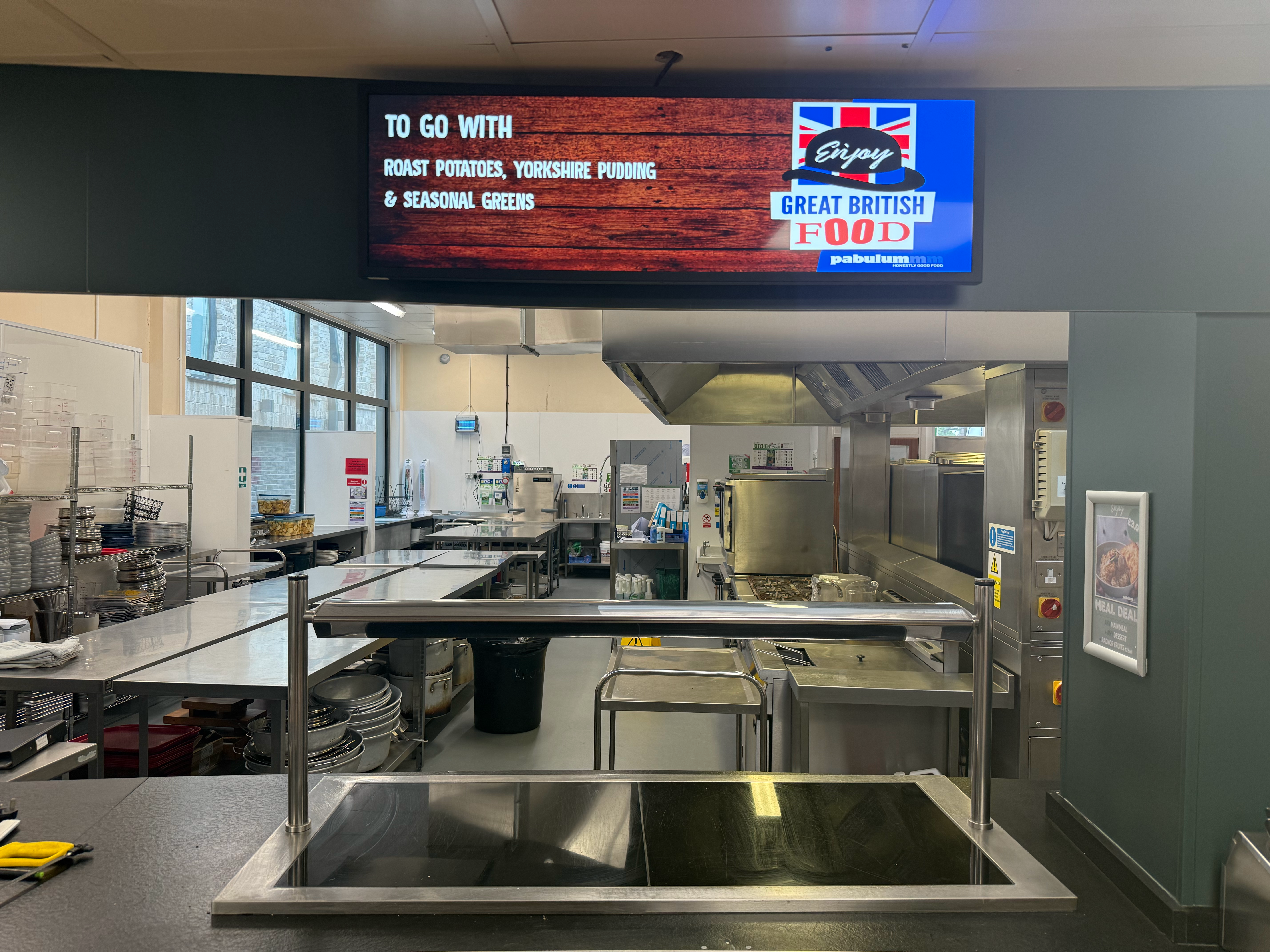
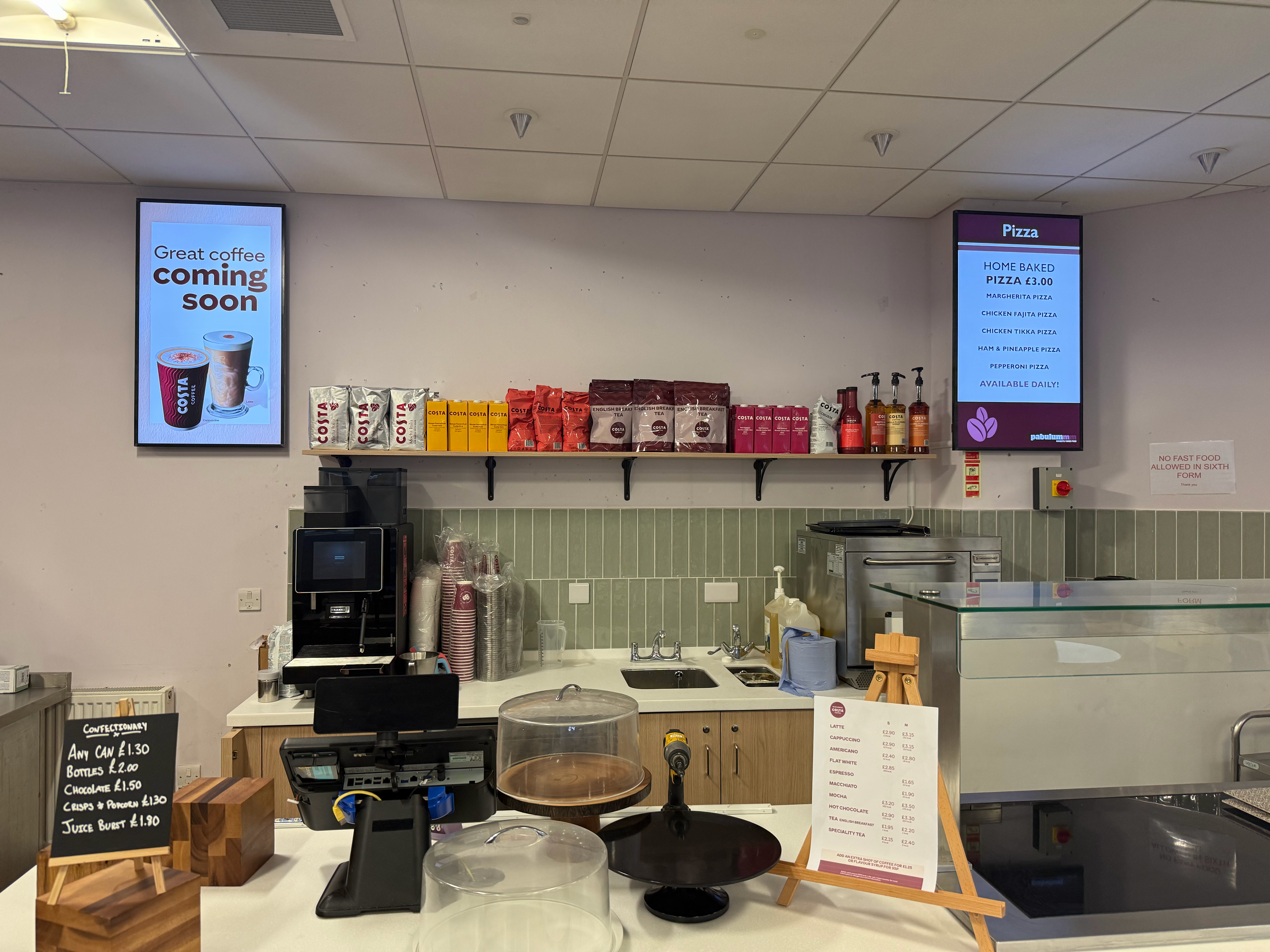
Daily menus, allergen information, meal deals and healthy eating messages on a screen above the servery, changed in seconds when the kitchen menu changes.
Sports, clubs and house news
Team sheets, fixtures, results, club timetables and house points, shown where pupils actually stand around at break and lunch.
Library and IT availability
Live PC availability, revision sessions, reading lists and study support, the kind of information pupils currently ask a member of staff to find out.
Timetables and the school day
Period times, exam schedules, trips, INSET days and closures, so staff and pupils see the same up-to-date information at the same moment.
Gates and outdoor boards
An outdoor A-board or weatherproof screen at the gate for the school run: open evenings, closures, fundraising, and messages parents see from the car.
Staff room and internal comms
Briefings, rotas, safeguarding reminders, CPD dates and vacancies, for the adults in the building as much as the pupils.
How a school screen project runs
We have been fitting screens into education sites for years, including multi-site rollouts for catering and facilities teams. The process is deliberately boring.
We visit and survey the site
We look at the rooms, the wall surfaces, power and the network, then recommend how many screens a school your size actually needs, rather than upselling a network you will not use.
You choose the screens and software
Commercial-grade displays, a media player and content management software, so the screens are built for a full school day of running, not a domestic TV that fails in year two.
We install around the school calendar
Single reception screens usually go in within a day. Larger rollouts are planned for the holidays or after hours, so no corridor or classroom is out of action during lessons.
Your staff are trained on it
We show the office or admin team how to build a playlist, schedule a notice and swap a menu. Most schools run their own content from a browser after an hour of training.
The questions school business managers ask us
Schools buy differently to shops and offices: there is a bursar, an IT manager, a safeguarding lead and a holiday calendar in the room. These are the practical points we settle early.
Network and IT
Each screen needs a connection, wired or Wi-Fi. We work with your network manager so screens sit on the school network properly, with the right filtering and access, rather than being an unmanaged device someone plugs in.
Safeguarding and data
Corridor screens are public, so content stays general: notices, menus, events, achievements. No pupil data, no safeguarding detail, no confidential information, and your staff approve everything that is published.
Budget and procurement
You get a written specification and a clear quote you can put in front of the bursar, priced per screen, mount, installation and licence, so there are no surprises when the order goes in.
Working around the calendar
Installation is scheduled around term dates, exams and parents' evenings. Nothing gets fitted in a corridor while lessons are running unless you want it to be.
One owner, not three suppliers
Screens, mounting, installation, software, content setup and after-sales support come from the same team, so nobody is told to call the hardware company about a software problem.
Content that looks like your school
We set the template up in your colours with your logo, so the first playlist looks like the school rather than a template, and staff can add pages without it going off-brand.
Schools and education sites we have worked on
From a single library wayfinding screen to screens at more than 35 sites under one contract.
Pabulum
Screens fitted at more than 35 Pabulum locations across the UK, bringing the school catering specialist's menus and daily information onto displays in the schools they serve.

University of Kent
Library wayfinding and live PC availability, so students can see where there is a free machine before walking across campus to find out.
Work out what your school needs
Start with the budget guide and the live hardware prices, then let us survey the site if you want a recommendation rather than a shopping list.
Digital signage for schools: common questions
Costs, term-time installation, who updates the screens and what is safe to put on them.
How much does digital signage cost for a school?
It depends on how many screens you want and how they will be mounted. A single reception or canteen screen is a modest one-off purchase, while a corridor-wide or multi-building rollout adds mounting, cabling and installation time. Our shop shows live prices for the displays and mounts, and our UK digital signage cost guide sets out the ranges for hardware, installation, software and content, so you can build a budget before you talk to the bursar.
Can you install during term time?
We can, and often do, but we plan around your calendar. A single screen is usually fitted in a day and can be scheduled around the school day. Bigger projects, cabling runs and anything in a corridor or hall are normally done in the holidays or after hours so nothing is disrupted while pupils are in.
Who updates the screens once they are installed?
Your own staff, from any browser. Playlists are set up once and then the office or admin team changes notices, menus and dates themselves, and can schedule content to appear on a set day and time. Nothing needs a technician on site, and there is no software to install on a school laptop.
Does a school need good Wi-Fi for this?
Each screen needs a network connection, either wired or Wi-Fi, to fetch its content. We work with your IT team or network manager during the survey so the screens sit on your network properly, and we will talk through how content is scheduled so screens are not relying on a live connection every second of the day.
Can screens show timetables, menus and live information?
Yes. Menus, the school day, exam timetables, club schedules, room and PC availability and event listings can all be shown, either as content your staff update or pulled from a live source. If you already keep information somewhere, tell us during the survey and we will say what can be displayed automatically and what needs a manual update.
Is it safe to show pupil information on school screens?
Screens in corridors and reception are public displays, so the content should be general information: notices, menus, events and achievements. Pupil-specific data, safeguarding information and anything confidential stays off them. We help set the content up that way and your staff approve everything that goes out.
Do you work with academy trusts and multi-site schools?
Yes. We run multi-site networks for organisations with dozens of locations, including Pabulum, the school catering specialist, where we fitted screens at more than 35 of their UK sites, and we handle the practicalities of different buildings, different networks and one central point of control.
Can we start with one screen and add more later?
That is how most schools begin. One reception, canteen or sports hall screen proves the value with staff and pupils, and the software is the same whether you are running one screen or thirty, so adding the next display later does not mean starting again.